
Reprinted from the NEAT Newsletter, Dec. 2025 assistivetechnology.oakhillct.org
Here’s how it works:
To start a session, say “Hey, Meta, start Live AI.”
Once the session begins, you don’t need to say “Hey Meta” again during that session. To Pause, say “Pause Live AI” or tap the touchpad. To resume, say “Hey Meta, resume Live AI” of tap the touchpad again. To stop a session, say “Stop Live AI” or tap and hold the touchpad.
Blindness / Low Vision
- A student with low vision entering a cafeteria can ask the glasses, “What does this menu say?” and hear the options.
- While walking across campus, the glasses can alert the user to stairs, doors, or uneven surfaces.
Hearing
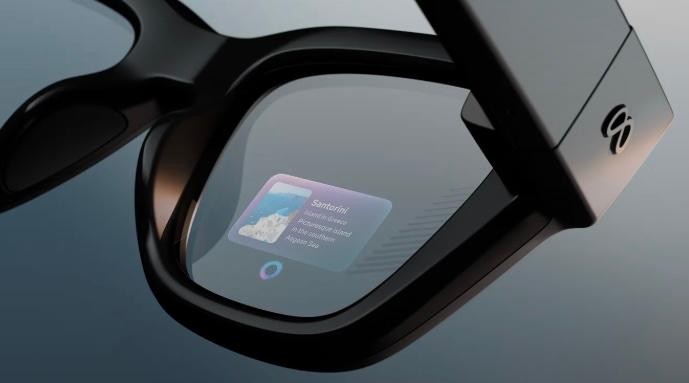
- During a lecture, the glasses can display live captions so the user can follow along without a sign language interpreter.
- The glasses can flash a light on the lens when a fire alarm goes off.
Mobility
- In a large office or hospital, the glasses can guide the user to the exact room without relying on a phone or map.
Cognitive or Learning
A person with memory challenges cooking a meal can receive real-time instructions, such as “Next, chop the onions.”